
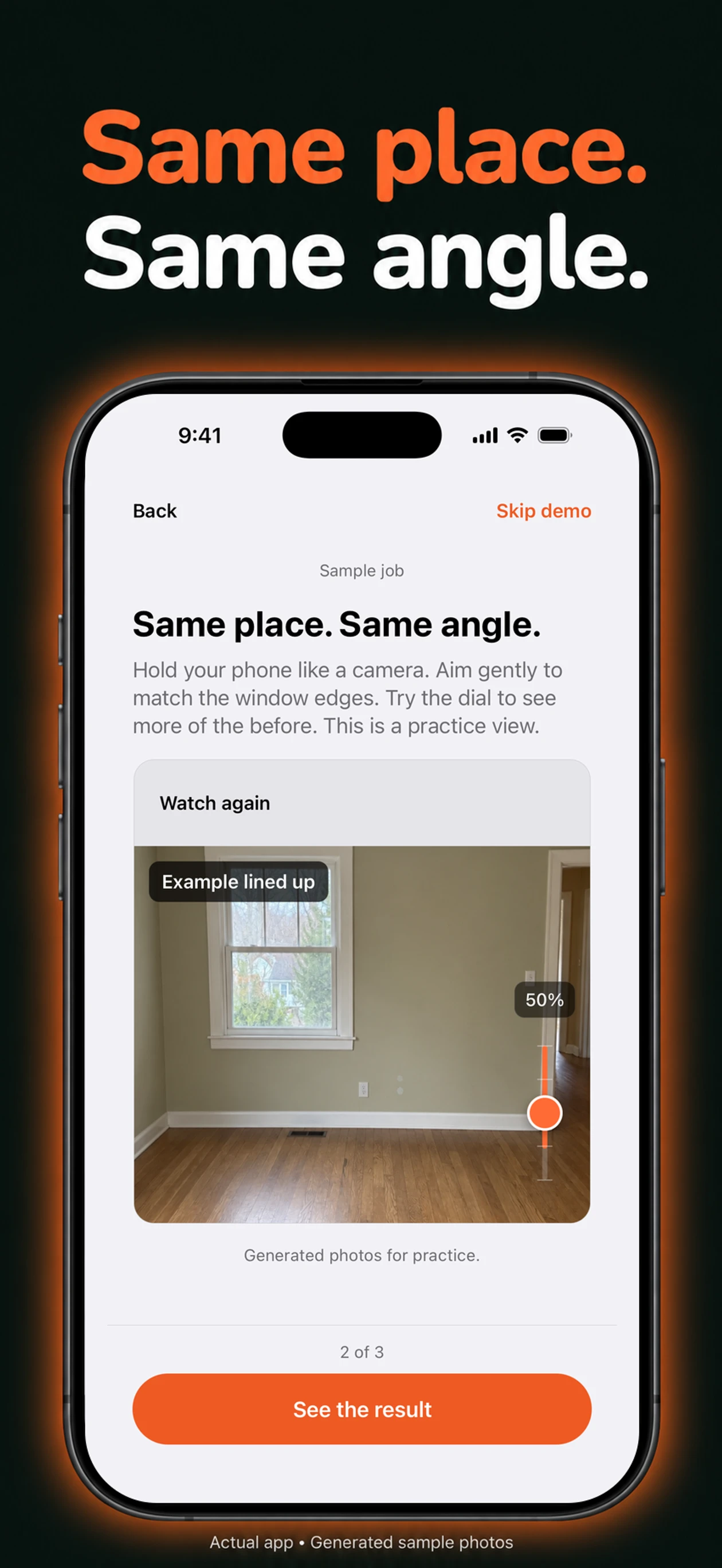
Find the same angle.
Switch between a line drawing and a photo guide. Mark the window, doorway, or another part that will stay put. Move your phone until it matches.
The before-and-after camera for contractors
You put the work in.
Make sure the photos show it.
A before-and-after photo app for your iPhone. Use lines and landmarks to find the same angle, then turn the pair into a picture ready to post.
iPhone · Private beta on TestFlight
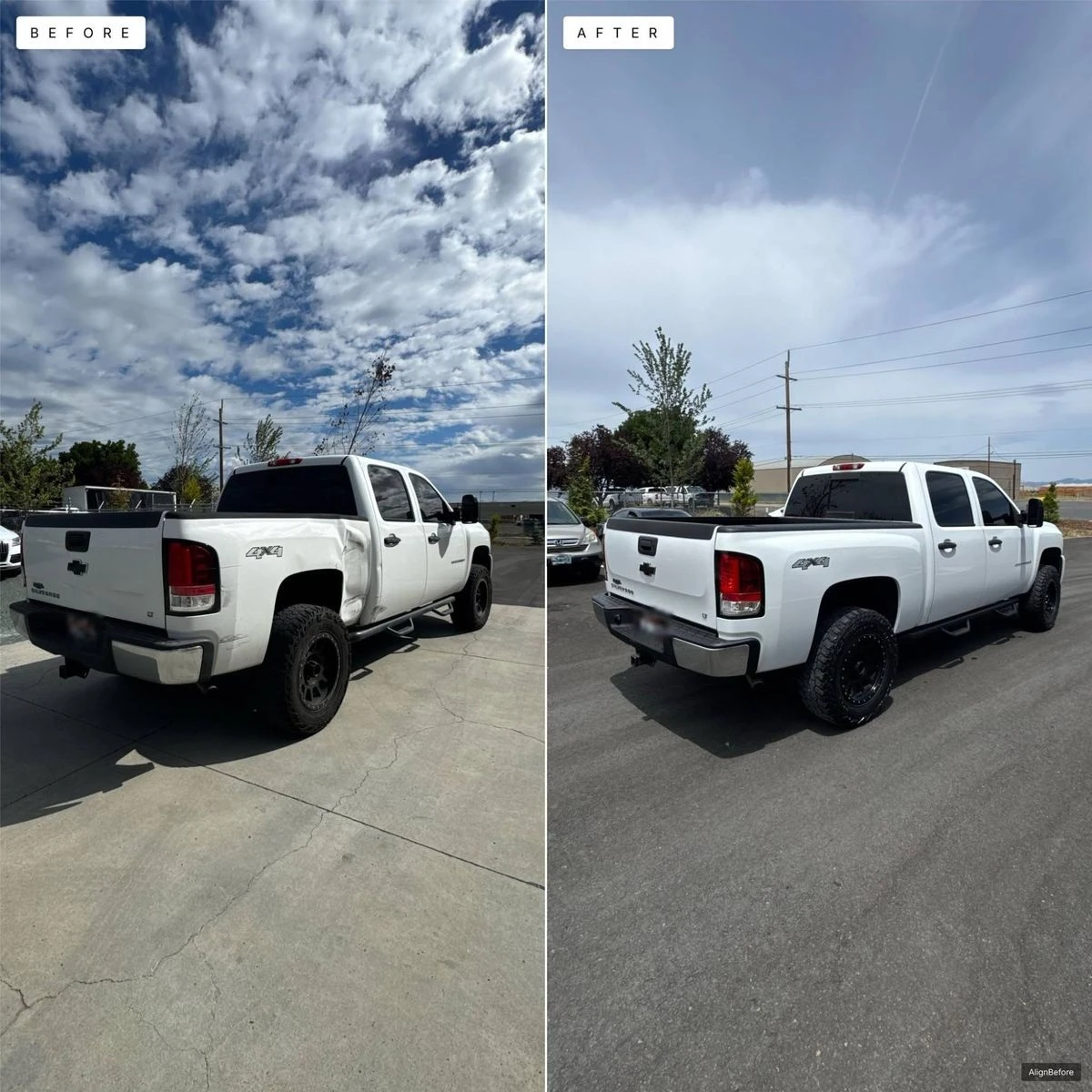
Inside AlignBefore
From the first photo to a picture ready to post. Take a look through the app.
Current app screens. Room photos are generated practice samples.
More than two photos
Switch between a line drawing and a photo guide. Mark the window, doorway, or another part that will stay put. Move your phone until it matches.
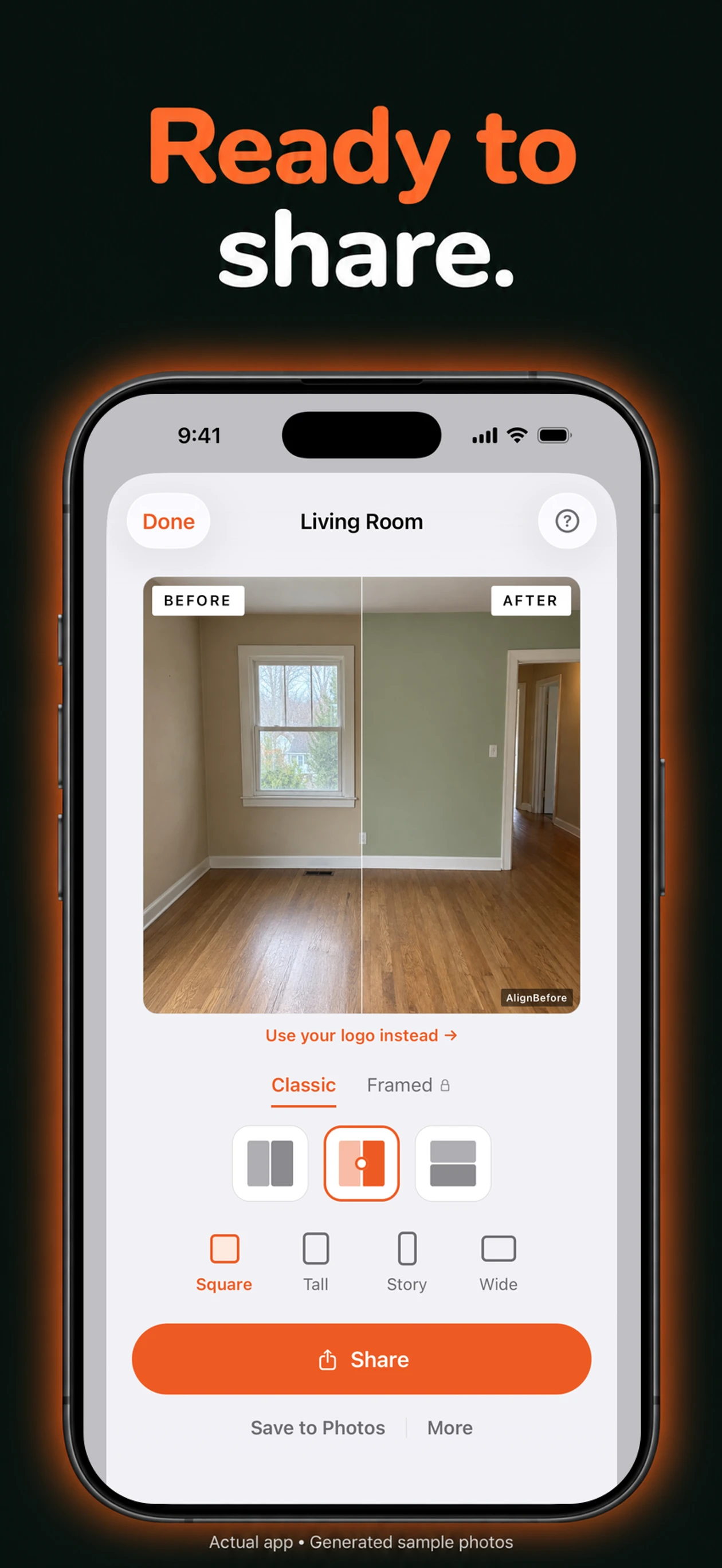
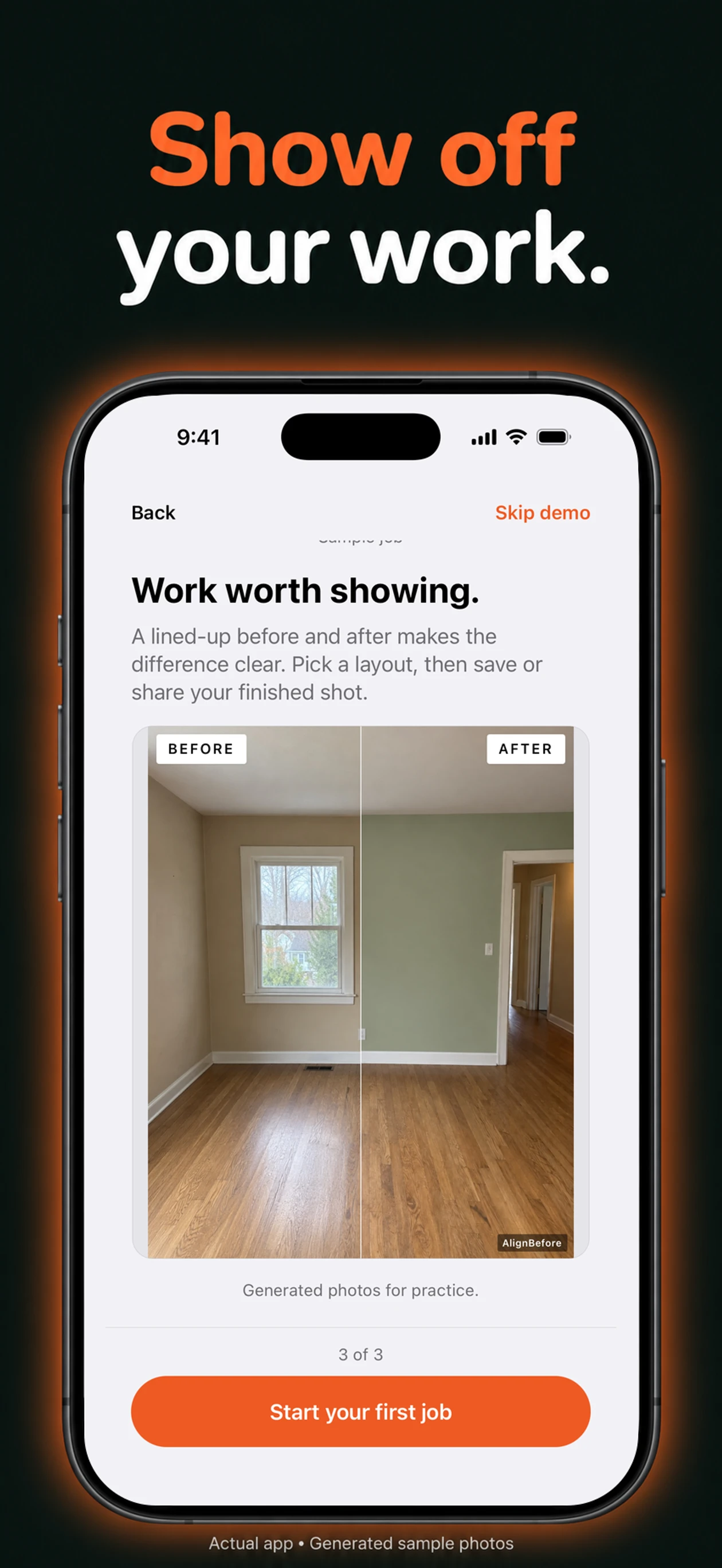
Split reveal, side by side, stacked, or framed. Square, Tall, Story, or Wide. Pro adds your logo, or lets you leave the picture clean.
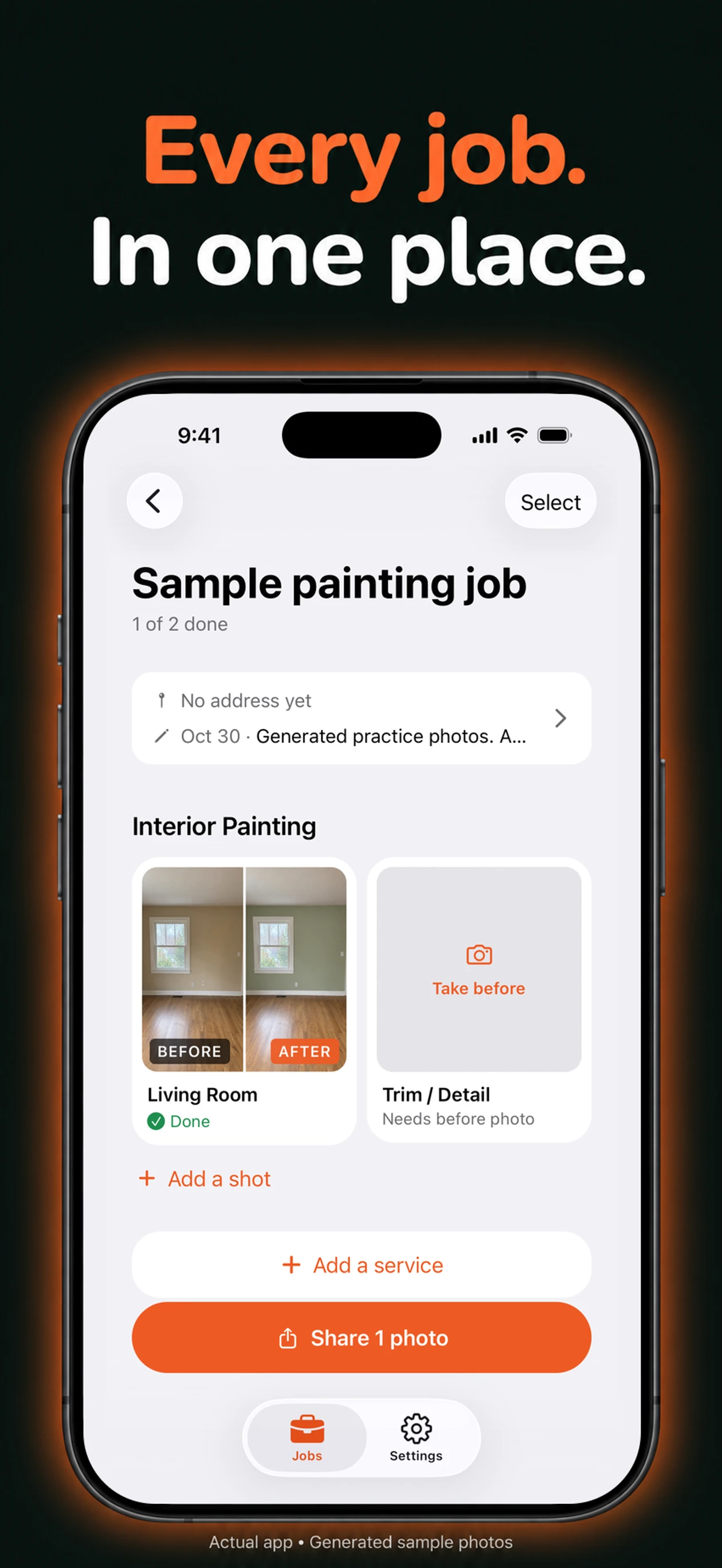
Organize shots by job and service. Add dated journal notes as the work happens. Come back to the address, the details, and the right photos.
Choose the photos, finished pictures, and job details you want to send. Share one zip, with files named by service, shot, and city.
Available to try during the beta. Paid access may change at launch.For people who show their work
Give customers a clear look at what changed. Start with a guide for the work you do.
Also made for flooring, roofing, landscaping, detailing, and other trades.
Pricing at App Store launch
Join the beta to try it on real jobs. Founders Lifetime opens when the app reaches the App Store.
Make your first jobs look good.
Or $149.99 a year.
Pro for as long as the app exists.
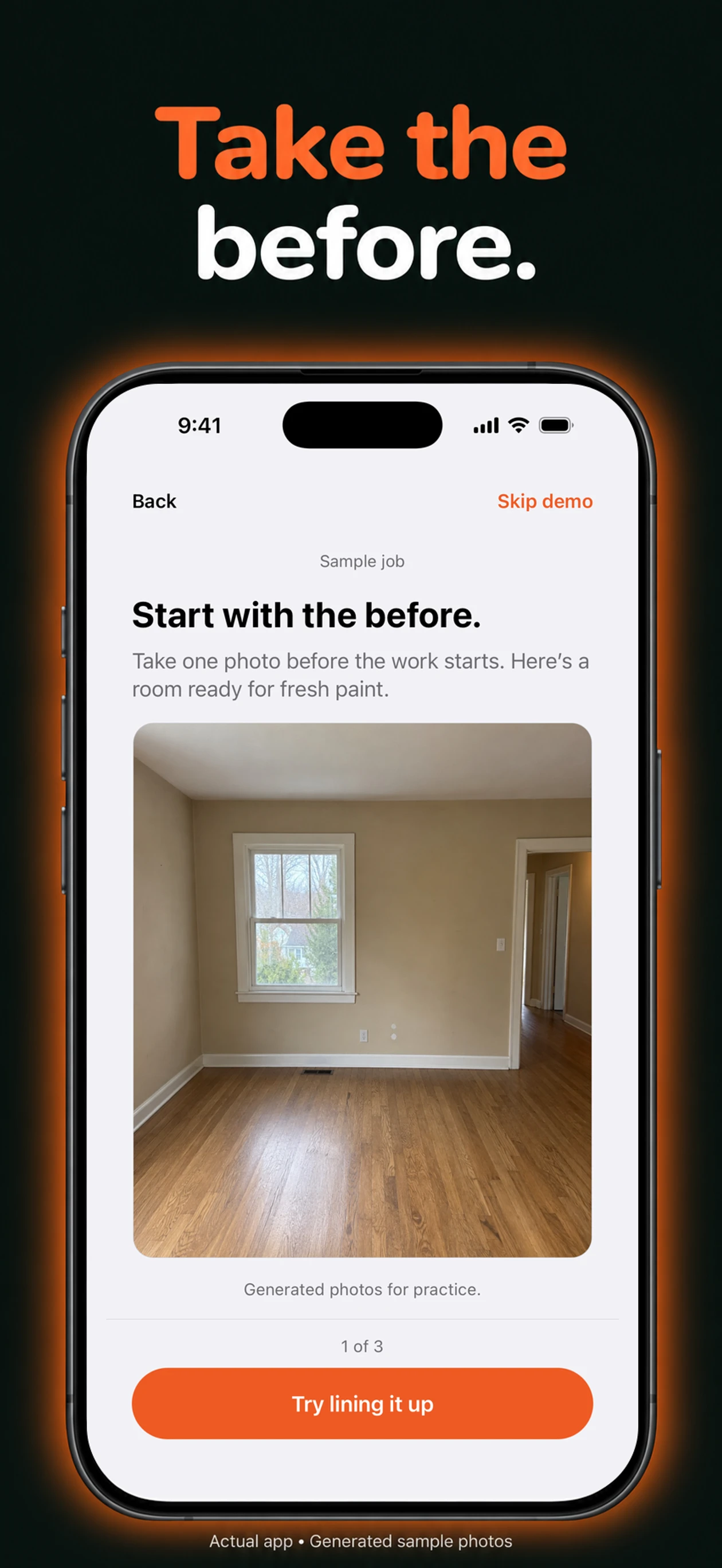
You move the phone and tap the shutter. The before photo appears as lines or a see-through photo over the camera. You can tap up to three landmarks after taking the before shot to make the same angle easier to find later.
Yes. Free gives you up to 3 active jobs, guided capture, the Classic layouts, and all four sizes. Single photos are clean. Finished before and afters carry a small AlignBefore mark.
Unlimited jobs, your own logo on finished before and afters (or no mark), and every layout, including Framed. Pro is $19.99 a month or $149.99 a year when the app reaches the App Store.
The $99 one-time offer opens with the App Store release and is limited to the first 100 purchases. TestFlight purchases are for testing and do not take real payment. Join the beta to hear when it opens.
They stay in the app on your iPhone until you choose to share or save them. There is no account or cloud sync. Save pictures to Photos or share the whole job as a file to keep a copy outside the app.
Yes. Capture, alignment guides, layouts, your journal, and saving pictures work on your phone. Sending a file through an online service still needs a connection.
AlignBefore is iPhone only for now. There is no team account or web dashboard yet. Tell us what your crew needs at [email protected].
Put it to work
We’re testing with contractors on real jobs. Bring your iPhone, your work, and an honest opinion.
Private beta. No account needed in the app.